⚠️ Secrets AI is an adult platform. Users must be 18 or older. This content is intended for adults only.
Video generation is the one thing Secrets AI offers that almost no competing platform does. Character.AI, CrushOn AI, Janitor AI — none of them produce video clips from AI companion images. Candy AI offers limited video. Most of the AI companion market treats visual content as static images. Secrets AI takes the additional step of animating those companions. This guide covers the full technical picture: how it works, what it actually costs, and when the Moments math makes sense.
For broader platform context, the complete platform review covers video generation in the overall assessment.
Recognize What the Video Generator Actually Is
The Secrets AI video generator is a feature that converts still AI companion images into short animated video clips based on a user-written motion prompt. This is not live video, interactive video, or real-time animation — it is a one-shot generation process that takes a source image and a description of desired movement and produces a brief clip.
This capability is built on deep learning models similar in category to those powering AI art generation systems like Stable Diffusion, extended into the temporal domain of video synthesis. The platform does not specify the underlying video generation model, but the output quality and processing time (~2 minutes) are consistent with current consumer-grade AI video generation.
Availability: Lite tier and above. Not accessible on the Free plan beyond the 200 starting Moments.
Why this matters: The AI companion market is visually saturated with static image generation. The ability to produce even brief, realistic video clips of a personalized AI companion is a genuine product differentiator. No other widely-used competitor platform offers it as a standard, on-platform feature.
Follow the Video Creation Process Step by Step
Creating a video clip through Secrets AI follows a consistent workflow:
Step 1 — Generate or select a source image
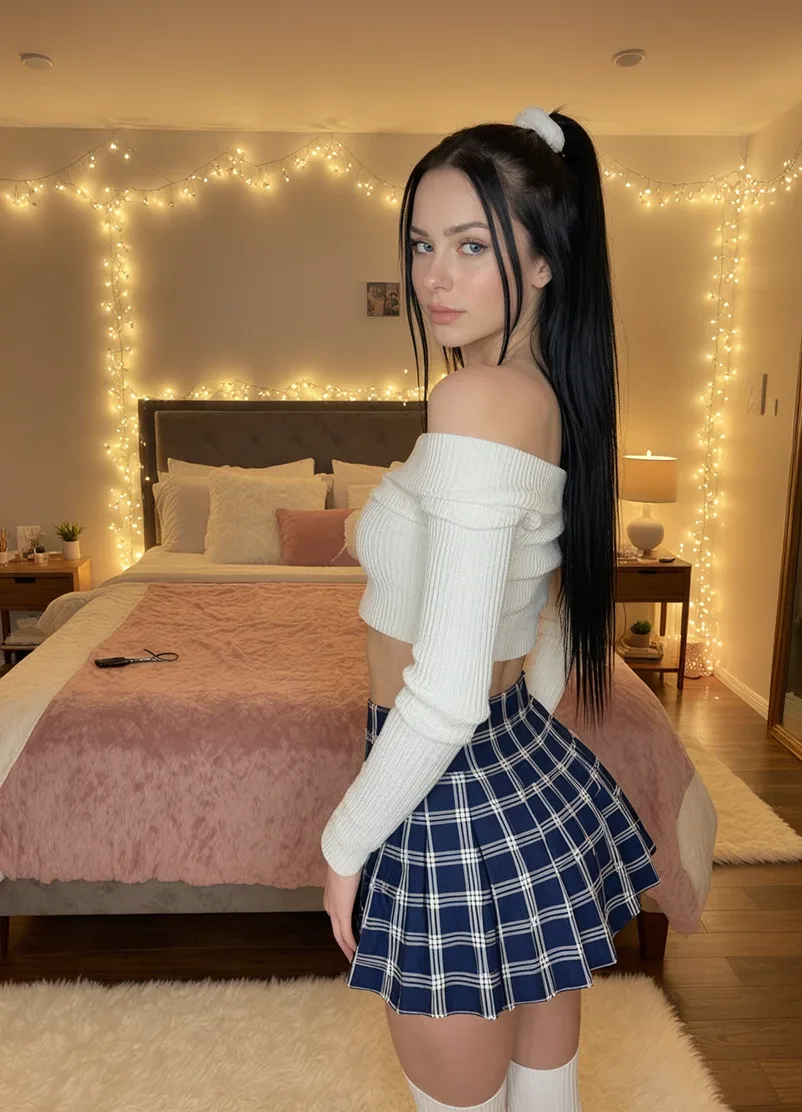
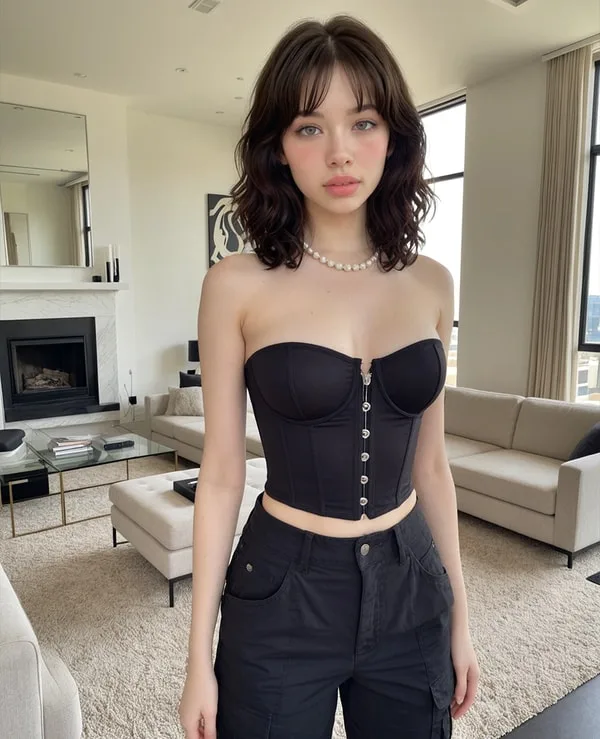
Video generation requires an existing companion image as input. Generate a new image through the chat interface (25-50 Moments) or select from previously generated images in your character's gallery. Image quality directly affects video output quality — a high-quality, well-composed source image produces a noticeably better video than a low-quality one.
Step 2 — Open the video generation option
Within the character's interface, select the image you want to animate and access the video creation prompt input.
Step 3 — Write your motion prompt
Describe the movement or action you want the character to perform in the clip. Effective prompt characteristics:
- Specific but not overly complex (e.g., "smiling and turning slightly toward camera" rather than a paragraph of choreography)
- Consistent with the character's pose and context in the source image
- Focused on realistic, achievable movements rather than extreme position changes
Step 4 — Submit and wait for processing
AI processing takes approximately 2 minutes. During this time the platform is synthesizing frame-by-frame motion based on your source image and prompt. Do not close the browser or navigate away during processing.
Step 5 — Review and save the output
The completed clip appears in the interface. Review it before spending additional Moments on variations. Save clips you want to keep — generated content is stored in your account.
Assess Video Quality Honestly
Reviewer rating for Secrets AI video generation: 4.1/5 from aigirlfriendscout.
What that rating reflects in practice:
- Character movement is realistic and smooth in the majority of outputs
- Facial expressions are natural in well-composed clips
- Scene consistency (background, lighting, character appearance) holds across the clip duration
- Motion follows the prompt accurately for straightforward movement descriptions
Quality limitations to anticipate:
- Complex movements (multiple simultaneous actions, significant position changes) produce less consistent results than simple motions
- Clips that start from lower-quality source images show noticeably lower output quality
- Generation quality improves with the Premium/Advanced generation model available at higher tiers
- Occasional quality variations between generation runs on the same prompt
For context: Secrets AI's 4.1/5 video rating is competitive given that most AI companion platforms rate video as non-existent. The relevant comparison benchmark is not professional video production but other AI-generated companion video content — a field where quality standards are still developing rapidly.
Calculate What Videos Actually Cost
Video generation is the most Moments-intensive feature on the platform. Understanding the cost structure before generating is essential to avoiding an unexpected Moments drain.
Cost per clip:
- Short clips (3 seconds): approximately 50 Moments
- Longer clips: up to 600 Moments per clip
Monthly video budget by tier:
| Tier | Moments/Month | Short Videos (50 M) | Long Videos (600 M) |
|---|---|---|---|
| Lite | 1,000 | ~20 | ~1-2 |
| Plus | 3,000 | ~60 | ~5 |
| Premium | 8,000 | ~160 | ~13 |
| Ultimate | 15,000 | ~300 | ~25 |
Note: these figures assume Moments are spent entirely on video. Realistic mixed-use budgets (combining text, images, and voice) produce lower video counts.
The opportunity cost of a long video:
For 600 Moments (the cost of one long video), you could alternatively generate:
- 12-24 images (at 25-50 Moments each)
- 12 short video clips (at 50 Moments each)
- 6 minutes of voice calls (at 100 Moments/minute)
- Approximately 300-600 text messages
This trade-off math is important for Lite and Plus users, where the Moments budget is constrained. Premium and Ultimate users have sufficient allocation to generate long videos without significantly impacting other usage.
Compare Video Costs Against Other Media Types
| Feature | Cost (Moments) | Output | Relative Value |
|---|---|---|---|
| Text message | 1-2 | Conversational response | Highest per-Moment value |
| Image generation | 25-50 | Single static image | Good for regular visual content |
| Short video (3 sec) | ~50 | Brief animated clip | Same cost as one image |
| Full video clip | up to 600 | Longer animated clip | Expensive; plan carefully |
| Voice call | 100/min | Real-time audio | Moderate cost |
| Manual memory save | 10 | Preserved context | Low cost, high value |
The cost-parity between a single image and a short 3-second video clip is worth highlighting: at ~50 Moments each, a short video and an image cost the same. For users who want to introduce video into their experience without major budget impact, starting with short clips is the practical approach.
Develop Better Video Results: Practical Techniques
These production principles improve output quality and reduce wasted Moments:
Generate quality source images first. Video output quality is bounded by input image quality. Spend Moments on good images before converting to video. Using the Advanced generation model (Premium tier and above) for source images produces noticeably better video outputs.
Test with short clips before committing to long ones. A 3-second clip at ~50 Moments lets you evaluate whether the motion prompt produces the result you want before spending 600 Moments on a longer version. If the short clip looks good, the long version will typically follow the same motion trajectory.
Write specific, achievable prompts. Prompts describing simple, realistic movements produce more consistent results than complex or physically unusual ones. "Turning to face the camera with a smile" is more reliable than a description of elaborate multi-step choreography.
Match the prompt to the source image composition. A character photographed in profile generates different motion results than one facing the camera. Write prompts that work with the source image orientation rather than against it.
Batch image generation before video sessions. Generate several high-quality images in one session, then review them and select the best candidates for video conversion. This produces better source material and avoids wasting video Moments on suboptimal starting images.
Decide Who Should Use the Video Generator
Worth the Moments investment if:
- Visual content alongside chat is a meaningful part of your companion experience
- You want unique, personalized animated content from your specific character
- You are on Premium or Ultimate where the Moments budget accommodates regular video generation
- You want a differentiating feature not available on competing platforms
Not worth the Moments investment if:
- You are primarily a text-conversation user
- You are on Lite or Plus with a tight Moments budget that needs to cover image generation and voice as well
- You are not finding high value in the static image generation already
Best tier for video generation:
- Occasional short clips: Plus ($9.99/month) with 3,000 Moments
- Regular standard video use: Premium ($19.99/month) with 8,000 Moments
- Heavy video production: Ultimate ($39.99/month) with 15,000 Moments and 15% top-up bonus
Survey the Competitive Landscape for Video
Video generation in the AI companion category is genuinely rare:
- Character.AI: No video generation
- CrushOn AI: No video generation
- Janitor AI: No video generation
- Candy AI: Limited video (not a standard feature)
- Replika: No video generation
- GirlfriendGPT: No video generation
Platforms that do offer comparable video capabilities include SweetDream AI and Xotic AI, which offers 4K 15-second clips. These represent the emerging frontier of AI companion video. Secrets AI's implementation is not the highest-spec in the category, but it is the most accessible — available as a standard platform feature without requiring a separate specialized subscription.
For users deciding between Secrets AI and alternatives specifically because of video, the alternatives comparison provides the full platform-by-platform analysis. For managing your Moments budget across all feature types, the free vs premium breakdown runs the cost math in detail.
Access the video generator on Secrets AI — available on Lite tier and above.
FAQ
Video clip length depends on the tier and the generation settings used. Short clips accessible on Lite tier run approximately 3 seconds. Longer clips available at higher tiers can extend beyond that, with cost scaling accordingly — from ~50 Moments for a short clip to up to 600 Moments for a longer one. The exact maximum clip duration is not publicly specified by the platform, but the Moments cost range of 50-600 indicates significant variation in clip length across the available options.
Not in any practical sense. Free accounts receive 200 Moments as a one-time starting credit, and technically one short video clip at ~50 Moments could be generated with those starting Moments. However, free accounts do not receive monthly Moments replenishment — once those 200 Moments are spent, no further media generation (video or otherwise) is possible. Video generation as a regular feature requires at minimum the Lite plan ($5.99/month) for 1,000 Moments per month.
The number depends on your tier's Moments allocation and the mix of short versus long clips you generate. At Premium (8,000 Moments/month), generating exclusively long clips at 600 Moments each yields approximately 13 videos. Using short clips at 50 Moments each yields approximately 160. In realistic mixed usage (combining text, images, and voice with video), the practical counts are lower. Ultimate (15,000 Moments/month) roughly doubles these figures and adds the 15% top-up bonus on purchased additional Moments.
Video quality is rated 4.1/5 by aigirlfriendscout, reflecting realistic character movement and expressions in the majority of outputs. Movement consistency is strong for simple, realistic motion prompts. Complex or unusual movement descriptions produce more variable results. Quality improves with the Premium/Advanced generation model available at higher tiers. For a newly emerging AI video generation feature on a consumer platform, 4.1/5 represents genuine quality — though users expecting cinema-grade production should calibrate expectations appropriately.